Features
Scrim is a full desktop browser built on Chromium, written in Rust. Here's what it adds, side by side with the regular web.
Veilid sites
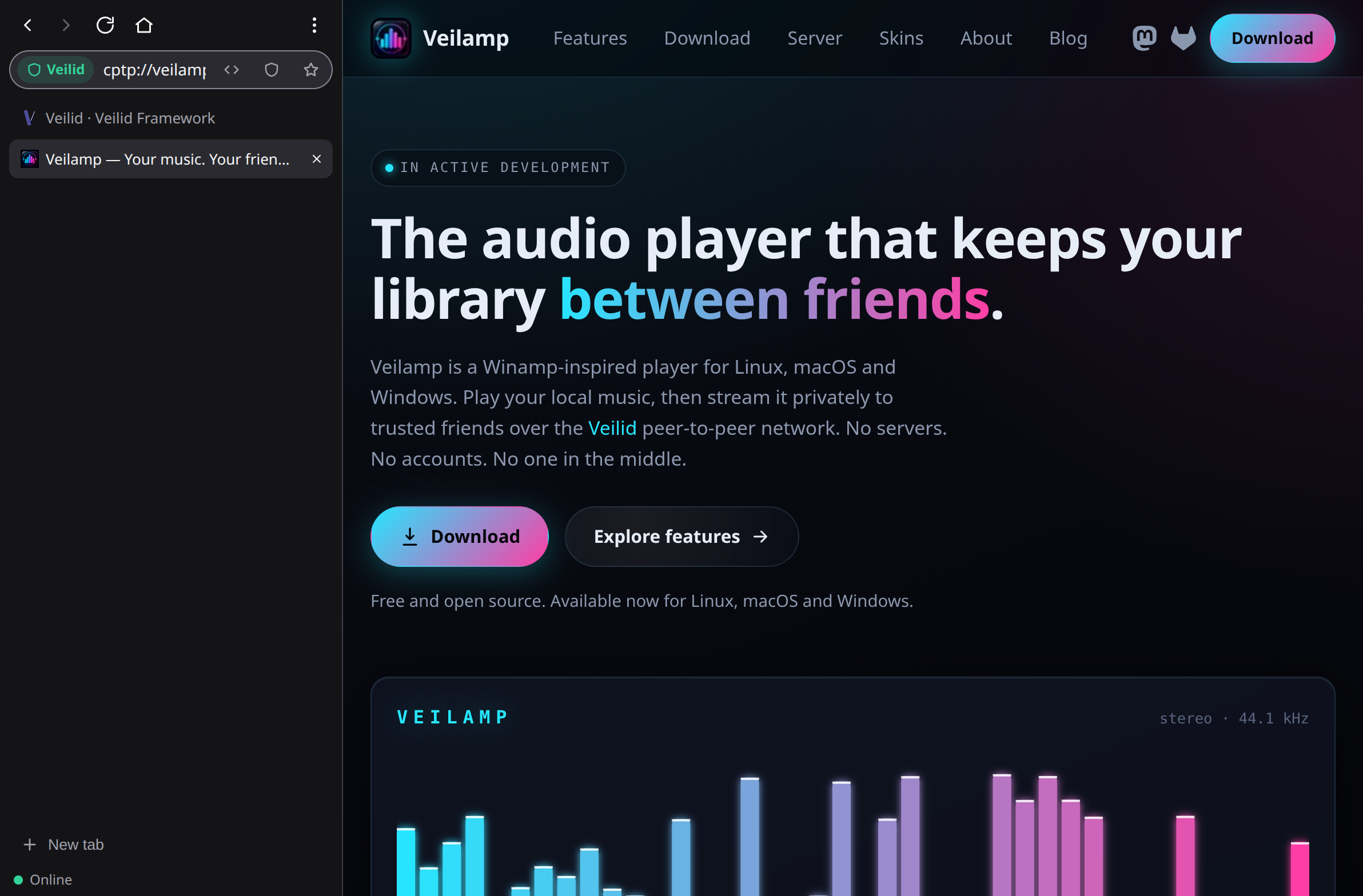
With Gobo, the publishing tool that goes with Scrim, anyone can publish a whole website on Veilid: HTML, CSS, JavaScript and images, with no server and no hosting bill. Scrim opens those sites the way a browser should.
-
Every site has its own
cptp://address and is treated as its own secure origin, with its own cookies and storage. Pages never see a gateway or a port number. -
Open a site by its raw address, by a
.vnsname such asveilamp.vns, by a regular domain whose DNSLink record points to it, or by a short name you set on your own computer. The address bar keeps showing the name you used. - If a name starts pointing somewhere new, Scrim tells you before following it.
- Scrim reads ahead the pages of a site you're likely to open next, so Veilid sites feel quick. It never asks a web server ahead of time, and you can turn reading ahead off.
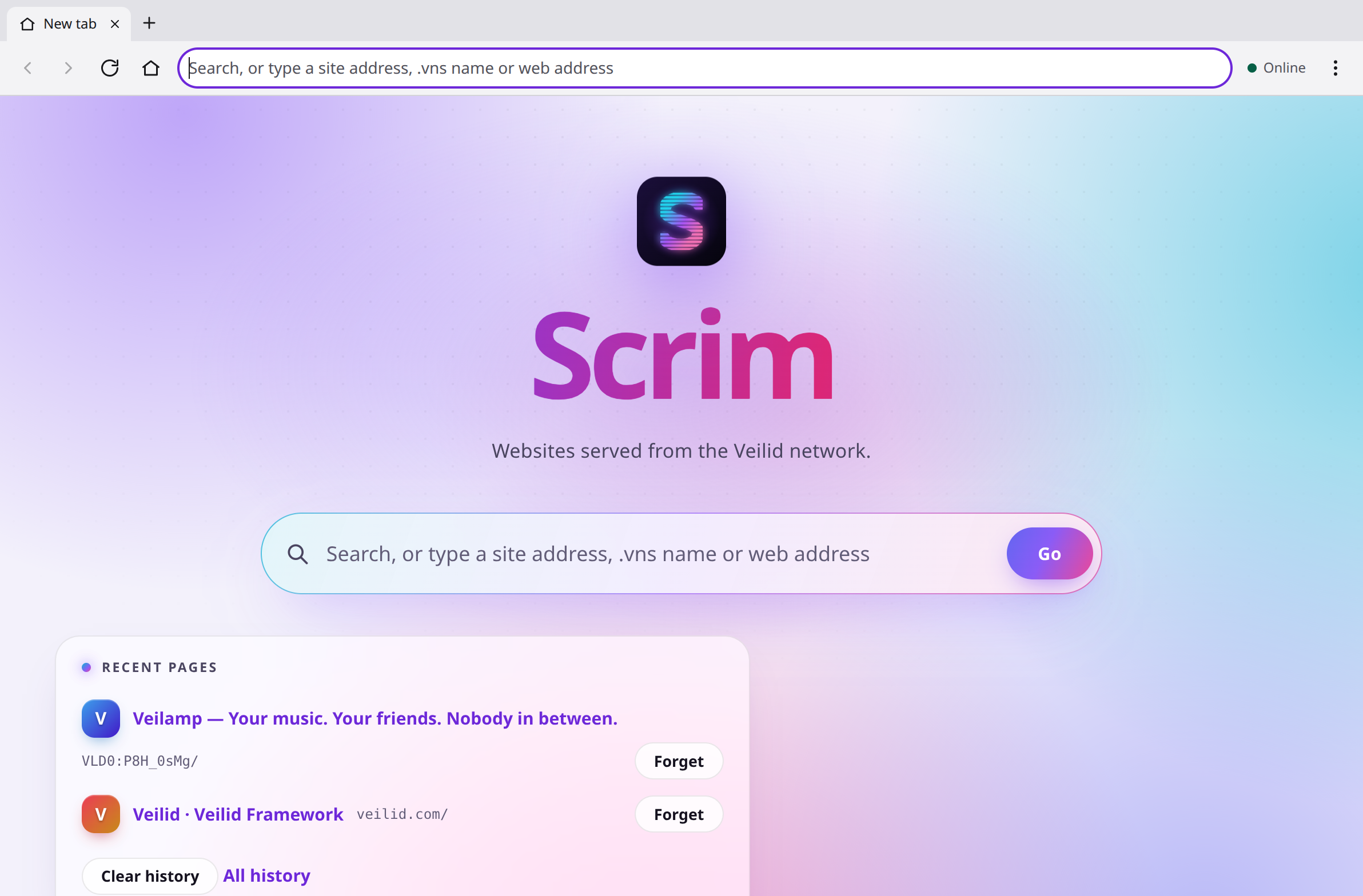
- The start page lists your bookmarks, recent pages and sites, and the names and domains you've set.
A wall between Veilid and the web
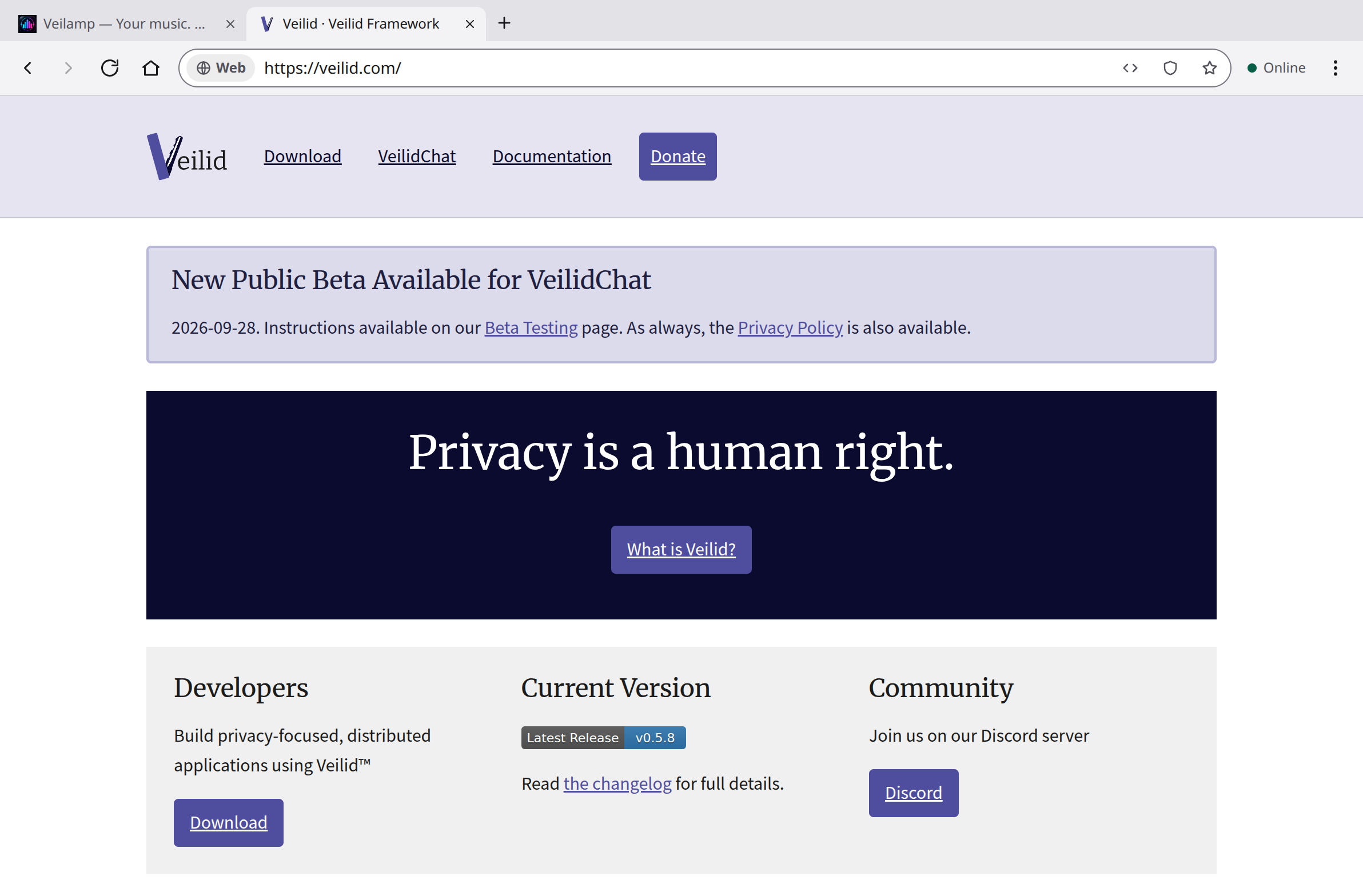
Veilid pages and web pages run in two separate profiles that share nothing: no cookies, storage, cache, permissions or logins.
- A Veilid page may load only from Veilid. Anything else it asks for is cancelled before it's sent.
- Its profile sends all network traffic to a local proxy that refuses every connection, so even the requests Chromium makes on its own go nowhere. WebRTC can't slip around it, and prefetching is off.
- Web pages can't load Veilid addresses or reach the local gateway.
-
Following a link to the other side opens it in the other profile, with no referrer and no
window.opener. A frame from the other side is blocked. - A web link on a Veilid site stops at a "You are leaving Veilid" page first, because the server on the other end will see your IP address.
- The address bar always says which side a page is on.
Trackers and ads
Scrim checks web requests against filter lists with adblock-rust, the engine Brave uses, and the same default lists as uBlock Origin.
- uBlock Origin's own lists, EasyList, EasyPrivacy and Peter Lowe's list are on by default. All but Peter Lowe's ship inside Scrim, so blocking works from the very first launch.
- All 71 lists uBlock Origin offers are a click away, along with lists by address and your own filters.
- A shield in the address bar counts what each page had blocked, shows the hosts, and turns blocking off for a site.
-
It goes further than blocking requests: hiding parts of pages, uBlock Origin's procedural filters and
scriptlets, and
$csp,$removeparamand$redirectfilters. - Filters apply to Veilid sites too, by the names they go by, before a page's own scripts run.
- A page a filter blocks outright is replaced by a warning that names the list and the filter.
Scripts
A page runs its own site's scripts. Scripts it pulls in from other sites are blocked until you allow them, site by site.
- The scripts button in the address bar shows how many other sites were held back, and allows each one.
- Turn JavaScript off entirely for any site, and its
<noscript>content shows instead. - Rules are per site and kept in your profile. Blocking can be turned off everywhere in Settings.
Extensions
Chrome extensions work, so password managers like Bitwarden fill logins in web pages and in Veilid sites alike.
- Paste a Chrome Web Store link and Scrim downloads the extension, checks its Web Store signature, and lists what it will be allowed to do before installing it.
- Web Store extensions are checked for updates. An update that asks for more waits until you accept it.
- Native helpers, such as the Bitwarden desktop app's, are picked up from Chrome, Chromium, Brave, Edge and Vivaldi.
- Chromium can't run extensions in the locked-down Veilid profile, so Scrim relays them itself. It tells you plainly what that means and lets you keep any extension out of Veilid sites.
- Extensions are off in private windows unless you allow them there.
- Unpacked extensions can be added from a folder, for development.
Cookies and permissions
Cookies and site data
- See what every site keeps, cookie by cookie and storage by storage, and remove it one site at a time.
- Block third-party cookies, or clear cookies, site data and cache every time Scrim closes.
- Do Not Track and Global Privacy Control are sent by default, asking sites not to track or sell your data.
Permissions
- Prompts for the camera, microphone, location and the like never take keyboard focus, so a page can't trick you into answering one by typing.
- On Veilid sites they add a reminder: Veilid hides your IP address, not what your camera sees.
- Downloads never open programs or scripts for you.
Private windows
A private window is marked clearly, and when it closes, it's gone.
- Its web and Veilid data live on a file system in memory, which is removed when the window closes, or the next time Scrim starts if it crashed. The GPU shader cache is off too.
- It starts with your settings, script rules and filter lists, and writes nothing back to your profile.
- Its Veilid browsing goes through a private session: the node adds nothing to history and remembers no names you open.
Devices
Pair your computers over Veilid with a short code and six matching digits. There's no sync server and no account to make.
- Settings, search engines, permission answers, script rules, tracker blocker choices, pinned tabs and Web Store extensions stay the same on every device.
- The bookmarks and history page shows the tabs open on your other devices.
- Mirror tabs keeps open tabs the same across devices: open, close or move one, and the others follow within seconds.
- Publish from all my devices shares a site's key with your other devices, so any of them can publish new versions of your Veilid site.
- A setup phrase pairs a device that can't reach the other one over Veilid.
- Removing a device moves the group to a new secret it doesn't get.
Search
-
Comes with DuckDuckGo No-AI (the default), DuckDuckGo, Startpage, Brave Search, Mojeek and Qwant, each with a
keyword such as
ddgorbrave. - Add your own engine, such as a SearXNG instance, or one served over Veilid.
- Suggestions are off until you turn them on, and even then a single word, which might be a site's name, is never sent. Neither is anything that looks like a site's key.
- Sites that offer an OpenSearch engine get a button to add it, with everything shown to you before saving.
Everyday browsing
- Tabs along the top, or in a sidebar on either side.
- A toolbar that slides out of the way until you need it.
- Light and dark themes, and five skins.
- Pinned tabs that stay on their site, with names of your own.
- Several profiles, each in its own window with its own color.
- Session restore, find in page, zoom and developer tools.
- The keyboard shortcuts you already know.
Accessibility
Scrim is meant to work as well from the keyboard or with a screen reader as with a mouse.
- On Linux it's tested with Orca, which reads the toolbar, tabs and panels as a program's controls rather than a web page.
- Every control has a name. Panels are named regions or dialogs, and Esc puts focus back where it was.
- F6 moves between the toolbar, the page and open panels, and the tab strip works with the arrow keys.
- Downloads, connection changes and find-in-page results are announced.
- Interface size up to 200%, page zoom, minimum text size, caret browsing and an always-on focus ring.
- It follows your system's reduced motion, more contrast and forced colors settings.